Quick answer
- To track LinkedIn ads leads, add UTM tags to every ad's destination URL, keep LinkedIn's click ID, and use a lead tracker that records the source of every form lead on your website.
- Use utm_source=linkedin and utm_medium=paid_social on ads, put the campaign in utm_campaign and the audience or creative in utm_content.
- Organic LinkedIn posts and profile links should use a different medium, so paid and unpaid results stay separate.
- LinkedIn Lead Gen Forms keep the lead inside LinkedIn, so sync them to your CRM with their campaign instead of expecting a website tracker to see them.
- Judge LinkedIn by cost per opportunity and customer, because its clicks cost more than most channels and its leads take longer to close.
To track LinkedIn ads leads, add UTM tags to every ad's destination URL, keep LinkedIn's click ID, and use a lead tracker that saves the source of every form lead on your website. Then mark which leads became opportunities and customers, because LinkedIn clicks are expensive and only revenue tells you whether a campaign paid off.
LinkedIn is often the most targeted, and most expensive, ad channel a B2B business uses. You can aim ads at job titles, industries and company sizes no other platform matches. But the people who click rarely buy straight away: they read, share with colleagues, come back through search, and request a demo weeks later. By then, Campaign Manager shows one set of conversions, your CRM shows another, and the campaign that started it all looks like it did nothing.
This guide shows how to tag LinkedIn ads properly, separate paid from organic, deal with Lead Gen Forms, and judge campaigns by the customers they bring.
Why are LinkedIn ads leads hard to track?
LinkedIn ads leads are hard to track because B2B buyers take weeks to convert, often through other channels, and because LinkedIn and your CRM count conversions differently. Without consistent tags and a tracker that remembers the first visit, the LinkedIn click that started the journey is lost.
The common problems:
- Long journeys. Someone clicks a LinkedIn ad, leaves, and comes back through Google or a direct visit when they're ready to talk.
- Platform counting. Campaign Manager can include view-through conversions and its own attribution windows, so its totals rarely match your CRM.
- Untagged ads. Without UTM tags, every LinkedIn campaign blends into one line, or into Direct if the click ID is missing.
- Lead Gen Forms. Leads filled in inside LinkedIn never touch your website, so website tools can't see them.
- Paid and organic mixed together. Posts, profile links and ads all come from linkedin.com unless you tag them differently.
How do you tag LinkedIn ads with UTM parameters?
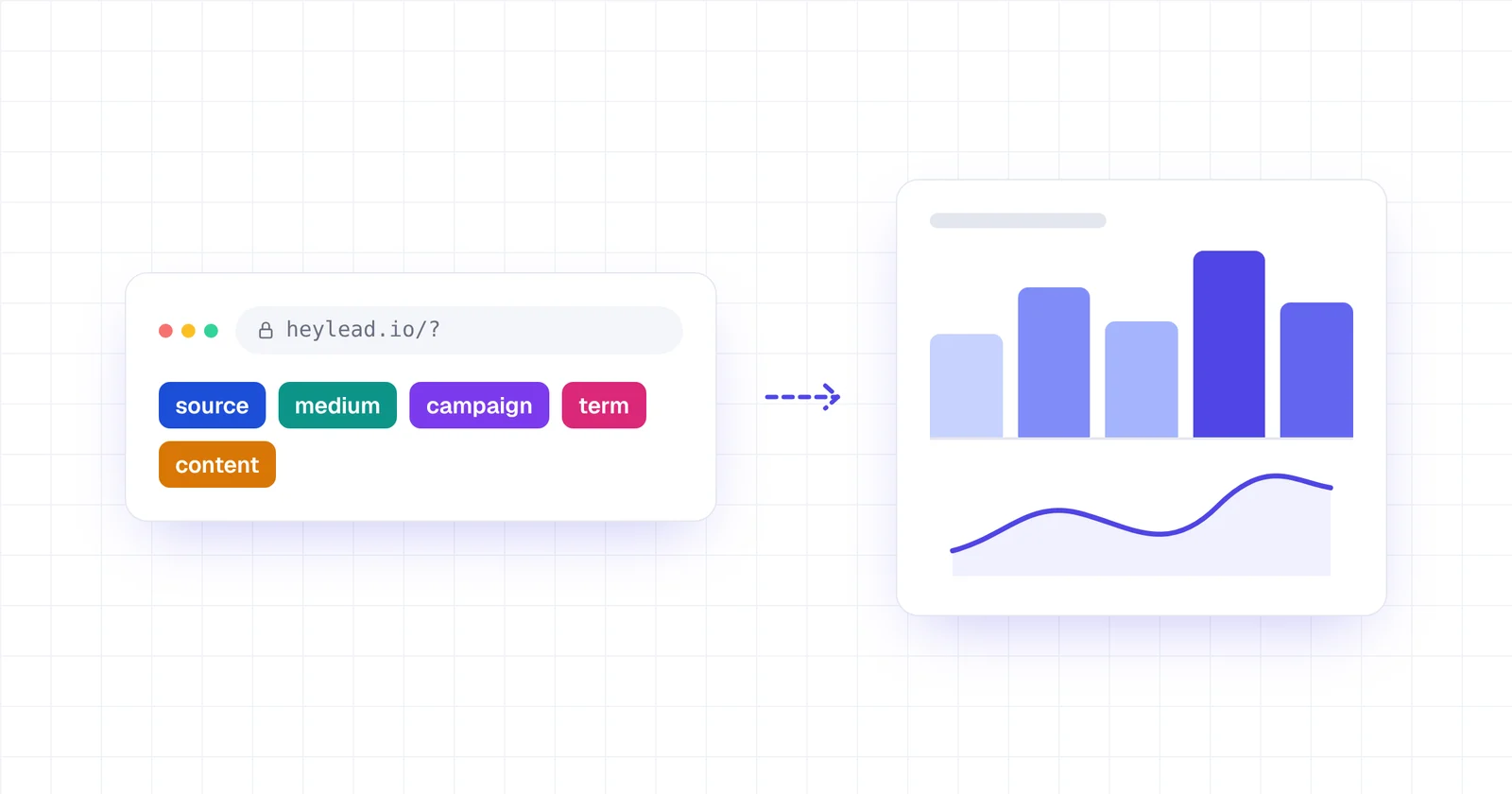
Tag LinkedIn ads by adding UTM parameters to each ad's destination URL, using the same source and medium for every ad and changing only the campaign and content. That way, all LinkedIn ads roll into one channel, and each campaign and audience can still be compared.
| Parameter | Value for LinkedIn ads | Example |
|---|---|---|
| utm_source | ||
| utm_medium | paid_social | paid_social |
| utm_campaign | The campaign name | demo-cfo-q4-2026 |
| utm_content | The audience, ad format or creative | finance-directors-video |
| utm_term | Optional: the targeting or job function | finance |
A complete destination URL looks like this:
https://yoursite.com/demo?utm_source=linkedin&utm_medium=paid_social&utm_campaign=demo-cfo-q4-2026&utm_content=finance-directors-video
Campaign Manager can also add tracking parameters for you, including campaign and creative details, so you don't type them for every ad. Whichever way you add them, keep the values lowercase and follow one naming scheme. Our UTM naming conventions guide has a template, and the free UTM builder checks the format.
What does LinkedIn's click ID do?
LinkedIn can add a click ID called li_fat_id to ad clicks, which helps tools recognise a visit as coming from a LinkedIn ad even when UTM tags are missing. It's a safety net, not a replacement for tags.
| What arrives with the visit | How HeyLead labels it | What you can see |
|---|---|---|
| UTM tags (linkedin / paid_social) | Paid Social, source linkedin | Campaign, content and term |
| li_fat_id only | Paid Social, source linkedin | That it was a LinkedIn ad, no campaign name |
| Referrer linkedin.com, no tags | Organic Social, source linkedin | That it came from LinkedIn, unpaid |
| Nothing (app opened the link plainly) | Direct | No source; tag your links to avoid this |
So always use UTM tags on ads, and let the click ID catch the occasional ad where tags were missed.
How do you separate organic LinkedIn posts from ads?
Separate organic LinkedIn activity from ads by using a different medium on organic links, or leaving them untagged. Ads should always say paid_social; posts, comments, newsletters and profile links should not.
| LinkedIn activity | Suggested tags | Channel you'll see |
|---|---|---|
| Sponsored content and video ads | utm_source=linkedin&utm_medium=paid_social&utm_campaign=... | Paid Social |
| Company page posts | utm_source=linkedin&utm_medium=organic_social&utm_campaign=... | Organic Social |
| Founder or staff posts | utm_source=linkedin&utm_medium=organic_social&utm_content=name | Organic Social |
| LinkedIn newsletter | utm_source=linkedin&utm_medium=email&utm_campaign=newsletter-name | |
| Profile and company page links | Untagged, or utm_medium=organic_social | Organic Social |
For many B2B companies, founder and employee posts bring as many leads as ads. Tagging them with the person's name in utm_content shows whose posts actually start conversations.
How do you handle LinkedIn Lead Gen Forms?
LinkedIn Lead Gen Forms need a different approach because the lead fills in the form inside LinkedIn and never visits your website. No website tracker, including HeyLead, can see those leads.
| Option | How it works | Keep the source by |
|---|---|---|
| LinkedIn's CRM integrations | Leads sync from Campaign Manager to supported CRMs | Mapping the campaign name to a CRM field |
| Zapier or similar | Each new Lead Gen Form submission creates a CRM contact | Adding a fixed "LinkedIn Lead Gen" source and the campaign |
| Download from Campaign Manager | Export leads regularly and import them | Including the campaign column in the import |
| Send people to your site instead | Use website conversion ads with a landing page and form | Normal UTM tags and website tracking |
Lead Gen Forms often produce more leads at a lower cost per lead, because the form is pre-filled. They can also produce lower-intent leads. If you use both, compare them by cost per opportunity and customer, not cost per lead.
How do you see which LinkedIn campaigns bring customers?
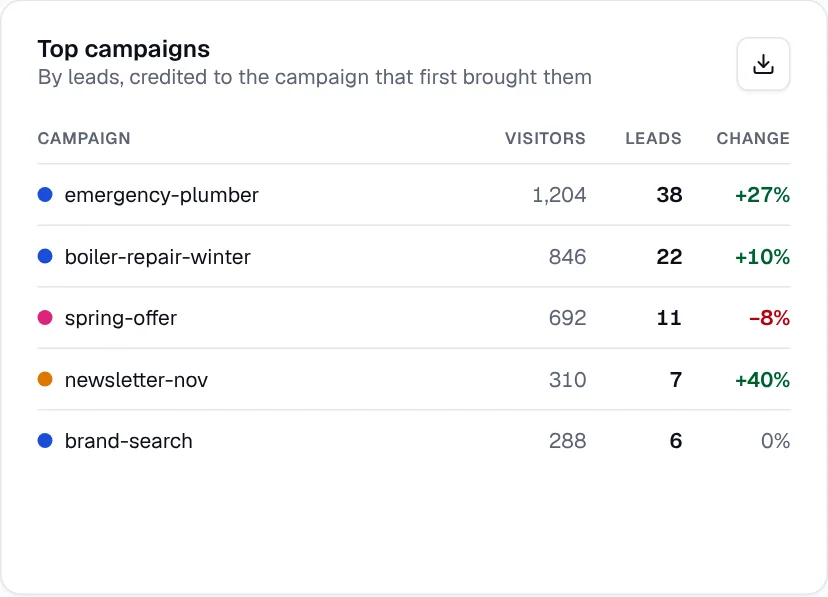
You see which LinkedIn campaigns bring customers by recording each lead's outcome, then looking at LinkedIn campaigns by customers and revenue, not clicks or conversions. Because B2B journeys are long, look at both first touch and last touch.
- First touch shows which LinkedIn campaigns introduce buyers who later convert through another channel.
- Last touch shows which campaigns, such as retargeting, push researchers to request a demo.
- Customers and revenue show which campaigns are worth their high cost per click.
In HeyLead, every lead keeps its full journey of visits, so a demo request that came through Google search still shows the LinkedIn ad that first brought the person in. Mark leads as qualified or customer with a deal value, and the Channels report shows LinkedIn campaigns by customers and revenue.
What should you measure for LinkedIn ads?
Measure LinkedIn ads by cost per qualified lead, cost per opportunity and cost per customer. Cost per click is high on LinkedIn by design, so it says little on its own.
| Metric | Formula | Why it matters on LinkedIn |
|---|---|---|
| Cost per lead | Spend ÷ leads | Early signal; useful for comparing ad versions |
| Lead-to-qualified rate | Qualified leads ÷ leads | Shows whether targeting reaches the right buyers |
| Cost per opportunity | Spend ÷ sales opportunities | The best mid-cycle measure for B2B |
| Cost per customer | Spend ÷ customers | The final judge of a campaign |
| Revenue by first touch | Closed revenue where LinkedIn started the journey | Credits LinkedIn for buyers it introduced |
Give campaigns at least one sales cycle before judging them on customers; use cost per opportunity in the meantime. Our guide to cost per lead vs cost per customer explains the maths.
How do you set up LinkedIn ads tracking, step by step?
- Install a lead tracker on your website with one script, Google Tag Manager or the WordPress plugin; demo and contact forms are found automatically.
- Write a naming scheme for LinkedIn campaigns and audiences.
- Add UTM tags to every ad's destination URL, using Campaign Manager's tracking parameters or a UTM builder.
- Tag organic links with
organic_social, including founder and staff posts. - Connect Lead Gen Forms to your CRM with the campaign name, if you use them.
- Pass the source to your CRM for website leads, with hidden fields, Zapier or a webhook.
- Mark outcomes as leads become opportunities and customers.
- Review monthly by cost per opportunity and customer, using first and last touch.
What are the most common LinkedIn tracking mistakes?
- Running ads without UTM tags. Campaigns blur together and some clicks land in Direct.
- Tagging organic posts as paid. Paid results look better than they are.
- Trusting Campaign Manager's conversions alone. They include views and their own windows; compare with your tracker.
- Judging on cost per click or cost per lead. LinkedIn's value shows in opportunities and customers.
- Judging too soon. B2B deals take time; give campaigns a full sales cycle.
- Losing Lead Gen Form sources. Without a campaign field in the CRM, those leads become "LinkedIn" at best.
Key takeaways
- Tag every LinkedIn ad with utm_source=linkedin, utm_medium=paid_social, the campaign and the audience.
- LinkedIn's li_fat_id click ID is a safety net, not a substitute for tags.
- Tag organic posts differently so paid and unpaid stay separate.
- Lead Gen Forms stay inside LinkedIn; sync them to your CRM with the campaign name.
- Judge LinkedIn by cost per opportunity and customer, using first and last touch.
See how B2B teams track demo request sources, how B2B lead attribution works, or check pricing.
Frequently asked questions
How do I track leads from LinkedIn ads?
Add UTM tags to every LinkedIn ad's destination URL, with the campaign and audience, and install a lead tracker on your website. Every demo or contact form submitted after a LinkedIn ad click is then saved with LinkedIn as the source and the campaign that brought it.
What UTM parameters should I use for LinkedIn ads?
Use utm_source=linkedin, utm_medium=paid_social, utm_campaign for the campaign name and utm_content for the audience, ad format or creative. Keep the values lowercase and use the same names every time.
What is li_fat_id?
li_fat_id is a click ID LinkedIn can add to ad clicks. HeyLead treats a visit carrying li_fat_id as Paid Social from LinkedIn, even if UTM tags are missing, but UTM tags are still needed to see campaign names.
Can I track LinkedIn Lead Gen Form leads on my website?
No. Lead Gen Forms are filled in inside LinkedIn, so the person never visits your site and a website tracker can't see them. Sync them to your CRM through LinkedIn's integrations or Zapier and keep the campaign name on each lead.
How do I separate organic LinkedIn posts from ads?
Give organic posts and profile links a different medium, such as utm_medium=organic_social, or leave them untagged. Untagged clicks from linkedin.com are recognised as Organic Social, while tagged ad clicks show as Paid Social.
Why do LinkedIn ads show more conversions than my CRM?
LinkedIn counts conversions with its own rules and attribution windows, including people who saw an ad but didn't click. Your lead tracker counts each enquiry once, by the visit that brought it, so its numbers are usually lower and better for comparing channels.
How should I measure LinkedIn ads?
Measure cost per qualified lead, cost per opportunity and cost per customer, not cost per click. LinkedIn clicks are expensive and B2B deals take time, so judge campaigns over at least one sales cycle.