Features
Everything you need to track where leads come from
HeyLead shows where every lead came from, every visit before they got in touch, and a dashboard that tells you what’s working. You can use it on day one without any training.
Dashboard tour
See the HeyLead dashboard in one minute
The Overview, finding any lead, a lead's full journey, channel results and the AI Lead Tracker. Click a step to jump to it.
In this video · 0:57
Dashboard
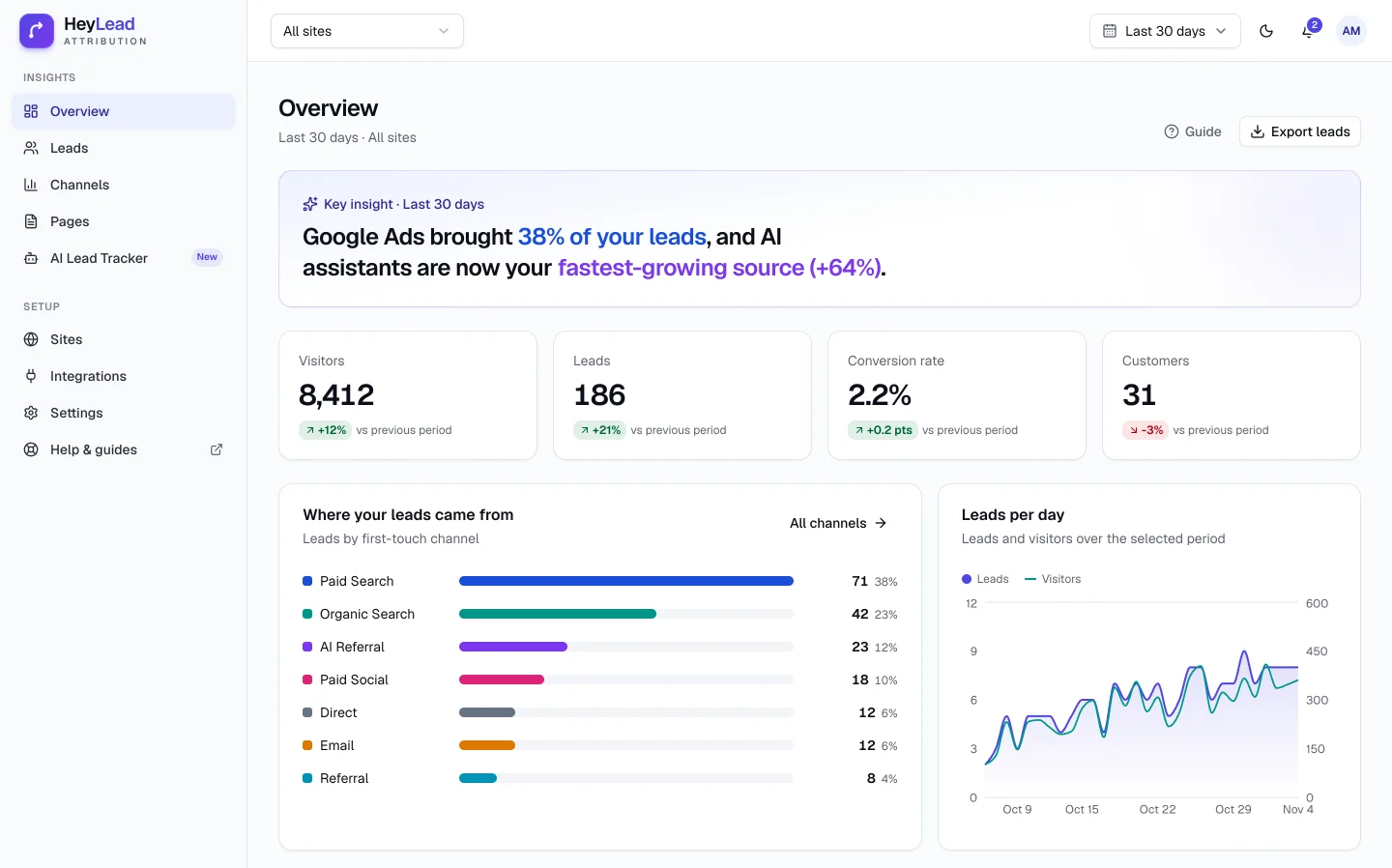
One sentence tells you what's working
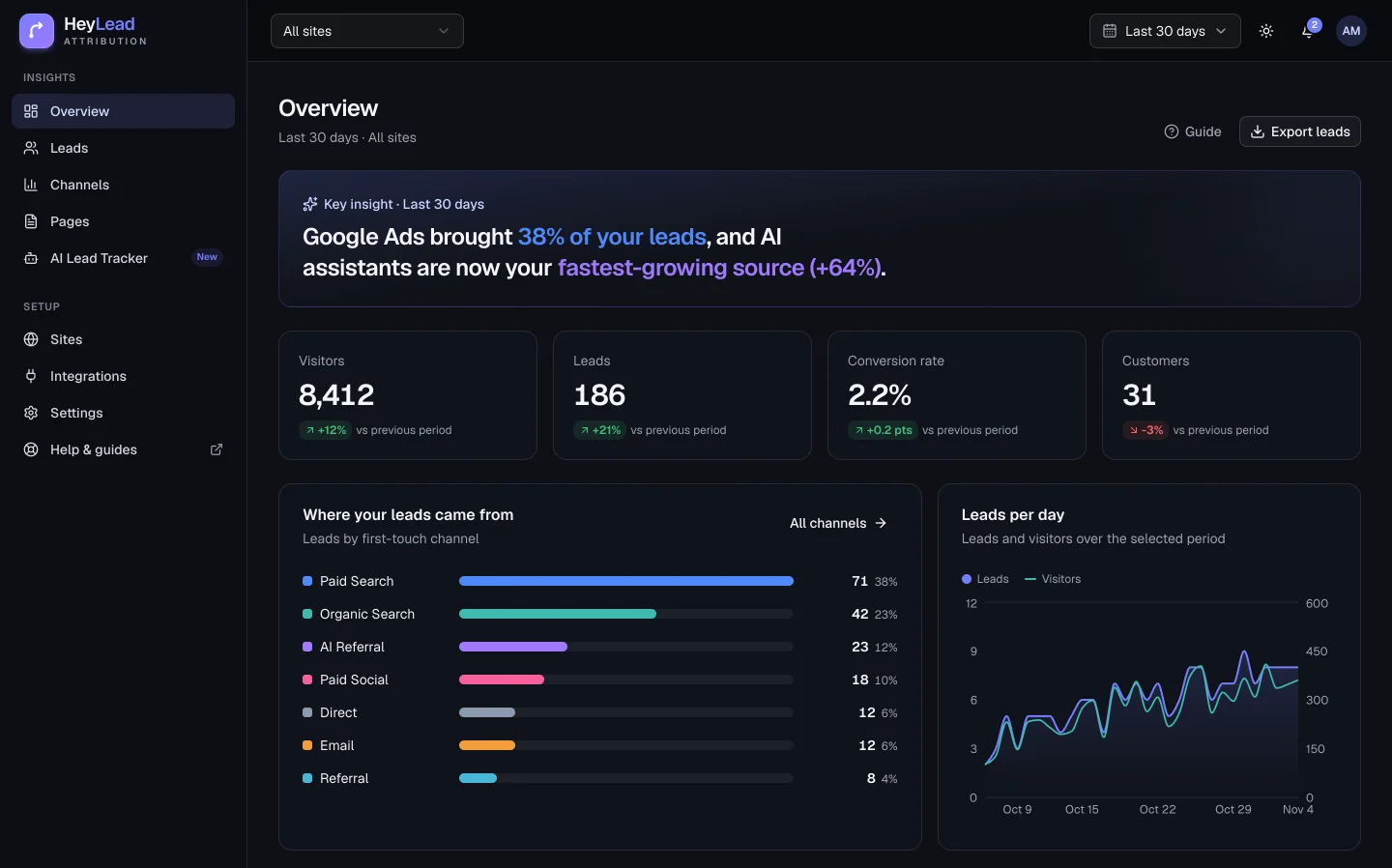
The overview starts with a short summary in plain English. Below it you see leads by channel, a 30-day trend, your top campaigns and leads from AI assistants. Click any number to see the leads behind it.
- Compare any dates with the period before
- Go from channel to source, campaign and keyword in a click
- Pick one website when you run more than one
Lead journeys
Every visit, in order, for every lead
Each lead has a timeline: the visit where they first found you, every time they came back, the pages they read and the form they filled in.
- How they first found you and what brought them back
- Pages read on each visit, device and country
- How many days and visits it took to get in touch
Priya Shah
3 visits over 6 days · Mobile
Found you on GoogleOct 17
Read /blog/burst-pipe-what-to-do
Came back directlyOct 19
Checked /reviews and /pricing
Clicked a Google AdOct 23
Campaign emergency-plumber · "24 hour plumber"
- ✓
Became a lead
Request a call back · sent to HubSpot
11 channels, ready to go
Every visit is sorted into a channel, always in the same colour
HeyLead checks your own rules first, then signs of an AI assistant, ad click IDs from Google, Meta and Microsoft, your campaign tags (UTM tags) and finally the site the visitor came from. You can add rules for partners, events or anything else.
- Paid Search
- Organic Search
- AI Referral
- Paid Social
- Organic Social
- Referral
- Display
- Affiliates
- Other Campaigns
- Direct
All features
Everything on every plan
No add-ons and no feature tiers. Plans only differ by websites, leads and team members.
A dashboard you can read in seconds
The first thing you see is one sentence, like which channel brought you the most leads this month. Charts and tables are there when you want more.
A journey for every lead
See every visit before someone filled in your form: how they first found you, which pages they read and how long they took to decide.
AI Lead Tracker
See when ChatGPT, Perplexity, Gemini, Copilot or Claude sent you a lead, and which of your pages they linked to. Most analytics tools file these visits under Direct.
Setup that checks itself
Install a plugin or paste one line into your site settings. HeyLead then confirms your site is connected, lists the forms it found and shows your first lead.
Your forms, captured automatically
Works with the forms already on your WordPress, Webflow, Wix, Shopify or custom-built site, with no hidden fields. Send each lead to your CRM with a webhook or Zapier.
Group visits your way
Make your own groups, like one partner, an event or a single affiliate, without building workflows in your CRM.
Room for your team
Invite people as admins, members or viewers. Multi-site plans cover up to 50 websites in one account.
Careful with your visitors' data
Tracking data lives on your own domain, visitor IP addresses are never stored, and you can delete any lead's data when someone asks.
Won't slow your site down
The script is a few kilobytes and loads in the background, so your pages and forms work exactly as before.
Get started
Find out where your next customer comes from.
Connect your website in minutes. From then on, every new lead shows which ad, search, post or AI assistant brought it.
- 14-day trial for $2.99
- Every feature on every plan
- Set up in minutes, no code
- Cancel anytime