Quick answer
- Google Business Profile clicks arrive with a google.com referrer, so most tools count them as organic search instead of as profile leads.
- Add UTM tags such as
utm_source=gbp&utm_medium=organic&utm_campaign=listingto the website and booking links under Edit profile → Contact. - A custom channel rule that matches
utm_sourceequalsgbpgives your profile its own line in lead reports. - Calls and direction requests never touch your website, so you count them in the profile's Performance report or with a call tracking number.
- Review profile leads monthly next to Google's Performance numbers to see which actions turn into paying customers.
To track leads from your Google Business Profile, add UTM tags to the website link on your profile, for example ?utm_source=gbp&utm_medium=organic&utm_campaign=listing. Every visit from your Maps or Search listing then carries that tag, and a lead tracker can show which enquiries came from the profile instead of lumping them into organic search.
For plumbers, dentists, salons, lawyers, roofers and other local businesses, the Google Business Profile is often the busiest source of enquiries. It is also the easiest one to under-count. This guide covers every way a profile produces enquiries, how to tag each link, how to report on it, and what to do about phone calls.
What is a Google Business Profile and why are its leads under-counted?
A Google Business Profile is the free business listing that appears in Google Maps and in the local results on Google Search, with your name, address, phone number, hours, reviews and photos. It used to be called Google My Business, and many people still call it the Maps listing or GBP.
Google Business Profile leads are under-counted because a click from the listing to your website comes from a Google page. Your site sees a referrer of google.com, exactly as it would for a normal blue-link search result. A referrer is the address of the page someone was on before they clicked through to you.
So GA4, your CRM and most lead trackers file the visit under Organic Search. That hides an important answer: is your website ranking, or is your Maps listing doing the work? The fixes for each are different, so you want them apart.
There is a second reason the profile looks smaller than it is. Many people never visit your website at all. They tap Call or Directions straight from the listing, and those actions only show up inside Google's own reports. If you judge the profile by website traffic alone, you miss a large part of what it does.
How does a Google Business Profile produce enquiries?
A Google Business Profile produces enquiries through five main actions: website clicks, phone calls, bookings, direction requests and, where available, messages. Only some of those pass through your website, which decides where you can track them.
| Action on the profile | Touches your website? | Where you can count it | Can you see the person? |
|---|---|---|---|
| Website button | Yes | Your lead tracker or GA4, once the link is tagged | Yes, if they fill in a form |
| Appointment or booking link | Yes, if it points to your site or booking page | Your lead tracker for your own booking page; the booking tool's reports otherwise | Yes, on your own booking form |
| Call button | No | Google Business Profile Performance, or a call tracking number | Only through call tracking or your phone records |
| Directions request | No | Google Business Profile Performance | No |
| Bookings through Google (partner booking tools) | No | Google Business Profile Performance and the booking partner's dashboard | In the booking partner's system |
| Messages or chat link | Depends on the link | The messaging tool you link to; Google switched off its built-in Business Profile chat in 2024 | In that messaging tool |
The rule of thumb is simple. Anything that sends someone to your website can be tagged and tracked like any other campaign. Anything that stays inside Google is counted by Google, in totals, without names.
How do you add UTM tags to your Google Business Profile links?
You add UTM tags to your Google Business Profile by editing the website link on the profile itself. UTM tags are short labels added to the end of a URL, such as utm_source and utm_campaign, that tell analytics tools where a visit came from. Google keeps the tags on the link, so every click from the listing carries them.
The edit takes about two minutes:
- Search for your business name on Google while signed in to the Google account that manages the profile, or open Google Business Profile Manager
- Choose Edit profile, then open the Contact tab
- In Website, add the tags to your URL:
https://example.com/?utm_source=gbp&utm_medium=organic&utm_campaign=listing - If your category shows an Appointment or booking link field, tag that link too, with
utm_campaign=booking - Save, then wait for Google to approve the edit; this can take anywhere from minutes to a few days
- Open your listing in a private browser window, click Website and check the tags appear in the address bar
Build each link with the free UTM builder to avoid typos. One wrong character, such as utm_souce, and the visit falls back to plain organic search. The UTM tagging help guide explains each parameter if you have not used them before.
Which UTM tags should you use for a Google Business Profile?
The best UTM tags for a Google Business Profile are short, lowercase and identical across every link, with only the campaign changing. Pick a scheme once and write it down; a UTM naming convention stops your reports splitting into gbp, GBP and google-business as three separate sources.
| Link on the profile | utm_source | utm_medium | utm_campaign |
|---|---|---|---|
| Website button | gbp | organic | listing |
| Appointment or booking link | gbp | organic | booking |
| Google post button | gbp | organic | post-[topic], e.g. post-boiler-service |
| Product button | gbp | organic | product-[name], e.g. product-water-heater |
| Menu link (restaurants) | gbp | organic | menu |
| Website button, location in Leeds | gbp | organic | listing-leeds |
| Booking link, location in York | gbp | organic | booking-york |
How should multi-location businesses name their tags?
Multi-location businesses should keep utm_source=gbp and utm_medium=organic the same everywhere and put the location in utm_campaign, such as listing-leeds and listing-york. That way all profiles roll up into one Google Business Profile channel, and you can still split leads by location in a campaign report.
Use the same location names you use elsewhere, such as in your Google Ads campaigns or your CRM. If a location has its own page on your site, link each profile to its own location page rather than the homepage; the landing page then confirms the location even if someone edits the tags.
How do you give your Google Business Profile its own channel?
You give your Google Business Profile its own channel by creating a custom channel rule that matches utm_source equals gbp and labels those visits Google Business Profile. A channel is the broad bucket a visit is grouped into, such as Paid Search, Organic Search or Email. Without a rule, most tools, including GA4, file utm_medium=organic under Organic Search with a source of gbp.
Organic Search with a source of gbp is usable, but it means filtering every time you want the answer. A dedicated channel puts the profile on the same line as Paid Search and Paid Social in your reports, which is where a local business wants it.
- Open your tracking tool's channel settings; in HeyLead this is Settings → Channel rules
- Add a rule: utm_source equals gbp
- Name the channel Google Business Profile
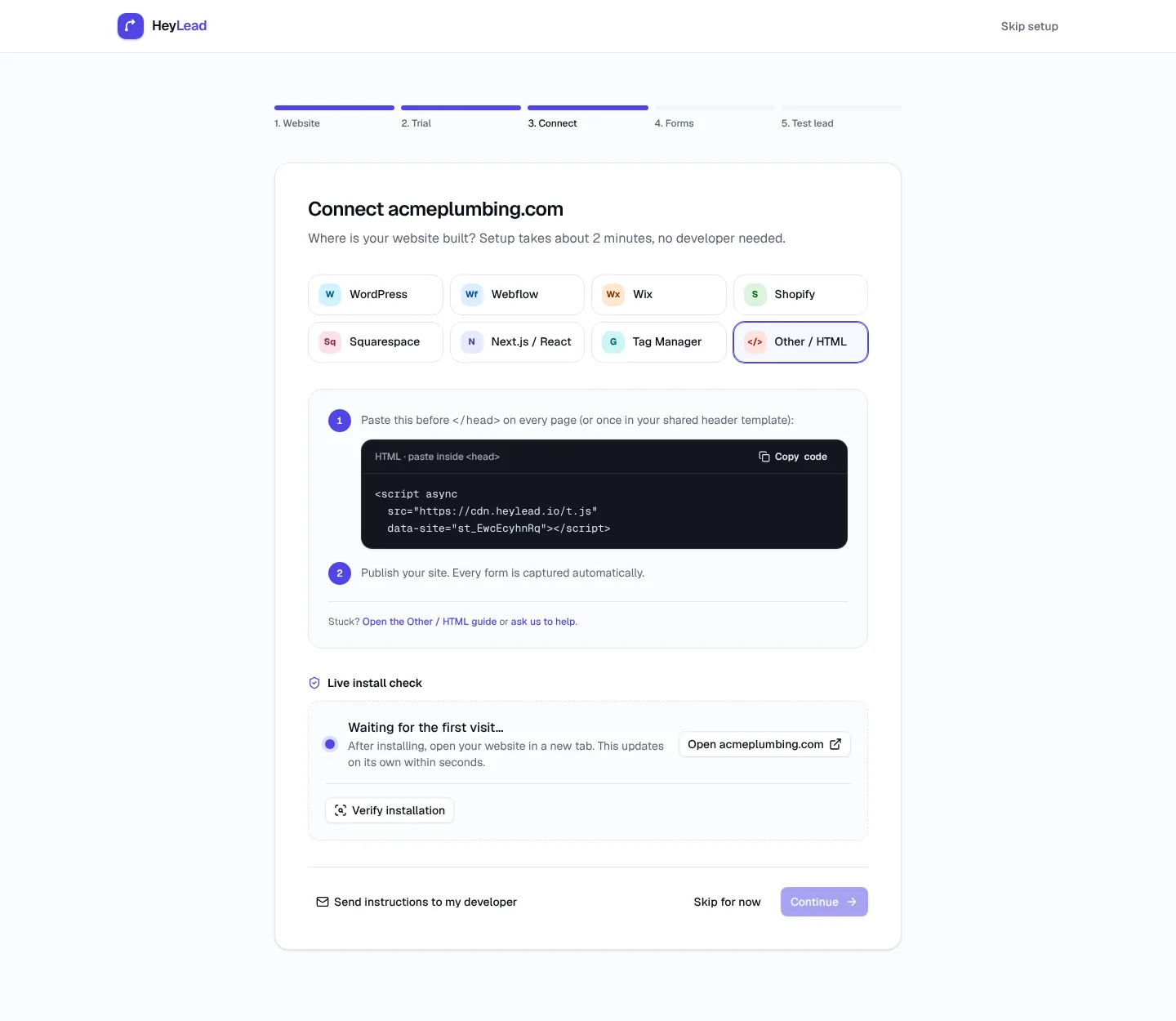
- Save, then click your own profile link once and confirm the new visit shows the new channel
In HeyLead, custom rules are checked before the standard channels and apply to new visits from the moment you save, so older visits keep their previous label. The help guide on custom channel rules walks through the screen, and how channels work explains the order HeyLead checks them in.
Should you tag Google posts, products and other profile links?
You should tag every Google Business Profile link that points to your website, including Google posts, products and menu links. Each one is a separate way into your site, and untagged links fall back to organic search, which brings back the problem you are trying to fix.
- Google posts: updates, offers and events you publish on the profile. When you add a button such as Learn more or Book, paste a tagged URL with a campaign naming the post, such as
post-autumn-offer - Products: each product can have a button linking to your site. Tag it with
product-plus the product name so you can see which ones bring enquiries - Menu and order links: restaurants and cafés can tag the menu link with
utm_campaign=menu - Booking partner links: if Google shows a booking tool you do not control, you cannot tag it; count those bookings in the partner's dashboard
What does the Google Business Profile Performance report show?
The Google Business Profile Performance report shows how many people saw your profile and what they did on it, month by month. You open it from your profile on Google Search or in Business Profile Manager by choosing Performance.
| Metric | What it counts | What it tells you |
|---|---|---|
| Profile views / interactions | People who viewed the profile on Search or Maps, and the actions they took | How visible the listing is and how often a view becomes an action |
| Searches | The search terms that showed your profile | Which services and phrases people find you for |
| Calls | Taps on the call button | Phone demand from the listing; not answered calls or booked jobs |
| Website clicks | Clicks on the website button | Traffic you should see in your tracker under the gbp tag |
| Directions | Requests for directions to your address | Walk-in or drive-to intent, useful for shops, clinics and restaurants |
| Bookings | Bookings made through Google's booking partners, where available | Appointments that never reach your website |
Google's numbers are totals. A call tap is not a lead you can name, and a website click is not an enquiry. Treat them as the top of the funnel, then use your website lead data to see what happens next. Google explains each metric in its Business Profile Help Center.
How do you combine Performance data with website leads each month?
You combine Google Business Profile Performance data with website leads by putting both into one monthly row: Google's actions on one side, your tracked enquiries and customers on the other. A shared spreadsheet is enough. Fill it in on the same day each month so the periods match.
- From Performance, note calls, website clicks, directions and bookings for last month
- From your lead tracker, note leads and customers from the Google Business Profile channel for the same month
- Work out website leads per website click: 18 leads from 240 clicks is 7.5%
- Add calls you know came from the profile, from call tracking or from asking callers
- Compare with previous months; one month is noise, three months is a trend
Here is a worked example. A two-van plumbing company sees 240 website clicks, 95 calls and 30 direction requests in Performance for March. The lead tracker shows 18 form enquiries from the gbp channel, and 6 became paying jobs. The owner now knows the profile brought at least 6 customers from the website alone, before counting phone jobs.
Is a Google Business Profile the same as Local Services Ads?
A Google Business Profile is not the same as Local Services Ads. The profile is a free listing in Maps and Search. Local Services Ads are a paid Google product for service businesses, shown at the very top of some searches with a Google Guaranteed or Google Screened badge, where you pay per lead rather than per click.
- Google Business Profile: free; leads arrive as calls, directions and website visits; tag the links with
utm_source=gbpand report from Performance plus your lead tracker - Local Services Ads: paid per lead; leads mostly arrive as calls and messages in the Local Services Ads dashboard, so report them from there
- Google Ads (Search and Maps): paid per click; website visits carry the
gclidclick ID and show as Paid Search in a lead tracker
Keep the three apart in your reports. If you run Google Ads with location assets, ad clicks carry gclid and land in Paid Search, which is correct. Local Services leads mostly arrive by phone, so they belong in their own row in your monthly sheet, taken from the Local Services dashboard.
How do you read your Google Business Profile results?
You read Google Business Profile results by looking at three things in your lead tracker: how many leads the profile channel brought, how many became customers, and which landing pages turned those clicks into enquiries. Leads alone can mislead; a channel that brings fewer but better enquiries often wins.
Leads and customers from the profile
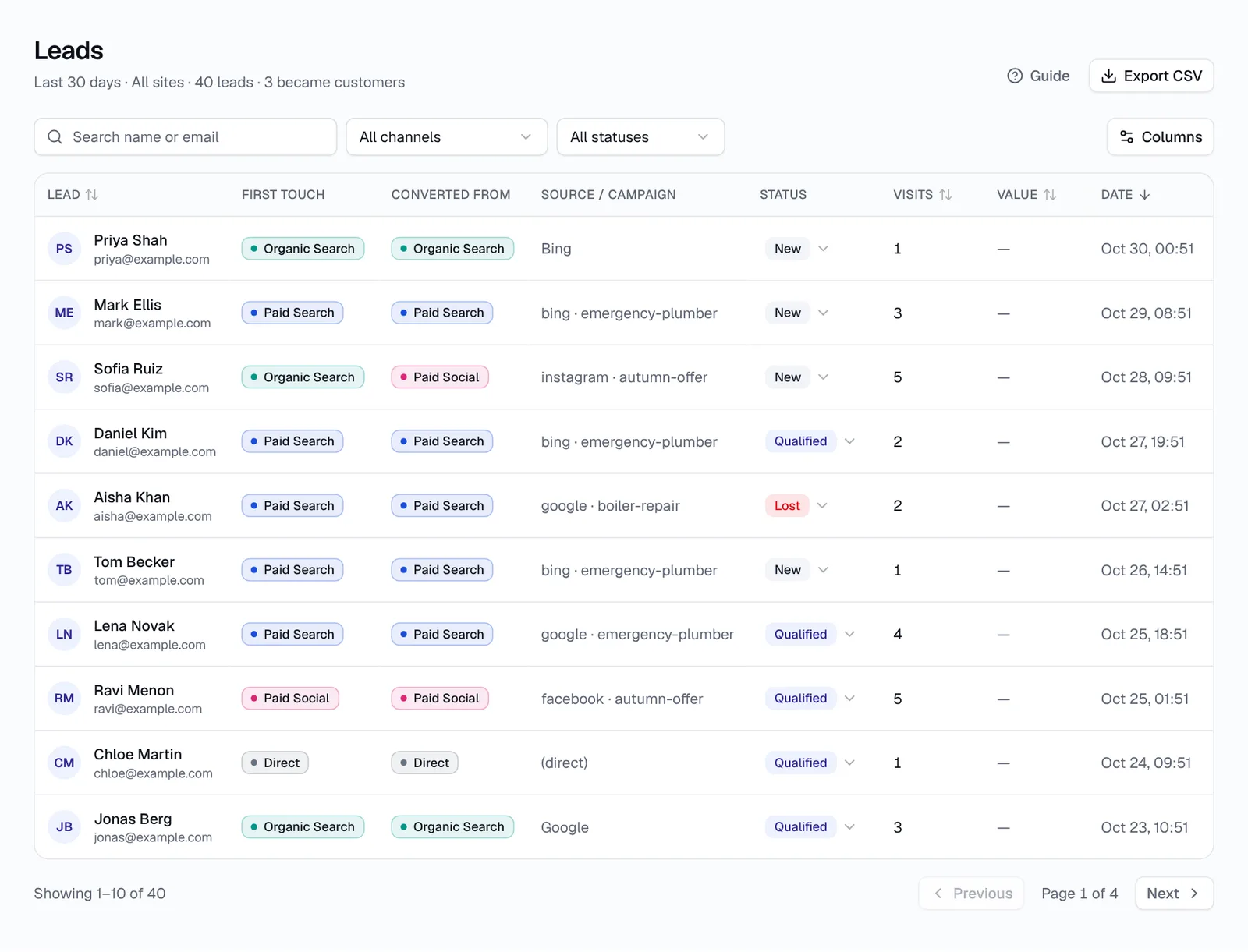
Start with the channel report and find the Google Business Profile line. Mark leads as Qualified, Customer or Lost as you work them, so the report can show customers and revenue by channel instead of form fills. Our guide to reading your dashboard shows where each number lives.
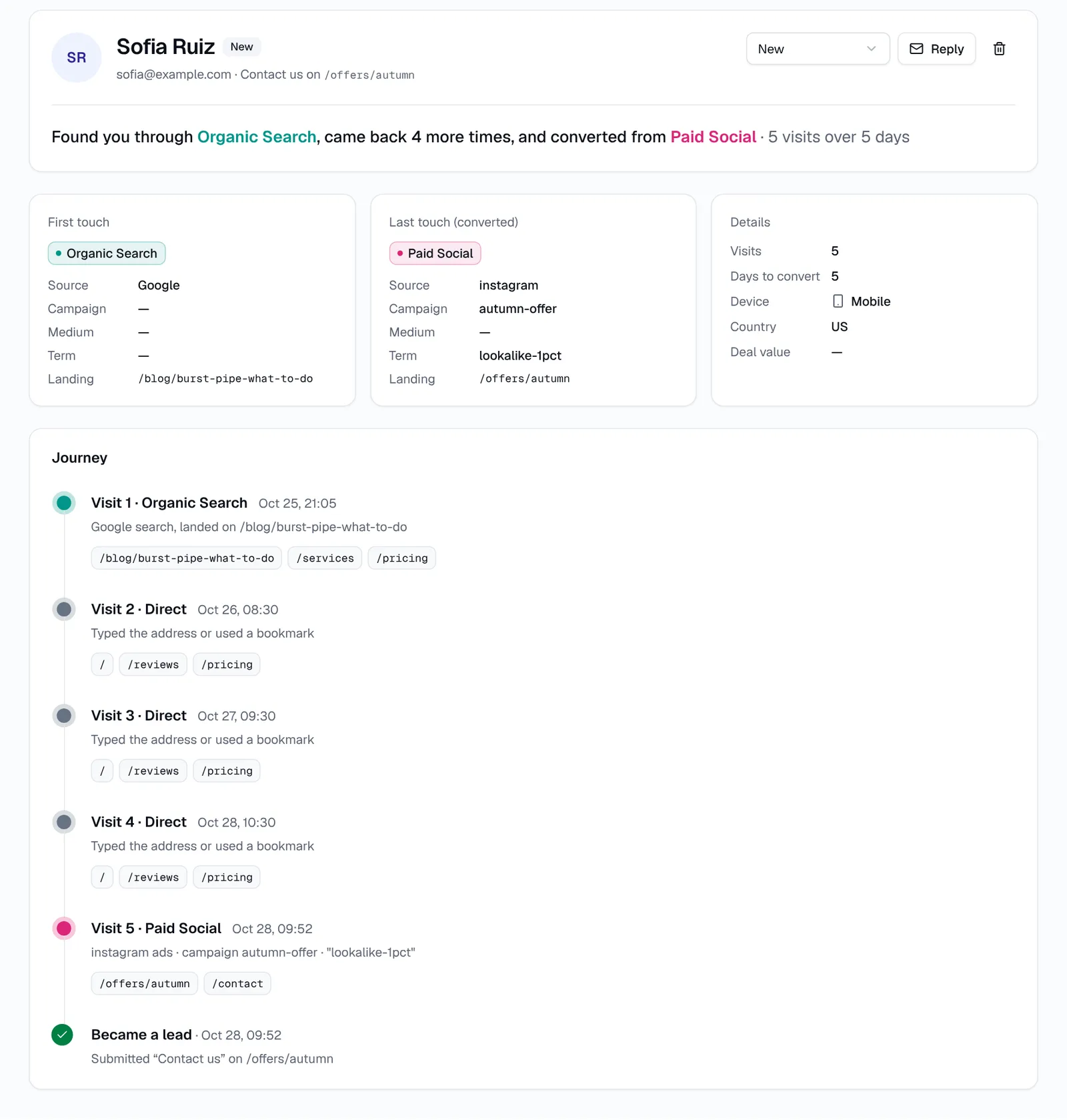
Then look at first touch and last touch. First touch is the channel that brought someone to your site the first time; last touch is the channel of the visit where they enquired. Someone might find you through a blog post on Google, then come back days later through your Maps listing to enquire. The guide on first-touch vs last-touch explains which view to use for which decision.
Landing pages that turn profile clicks into leads
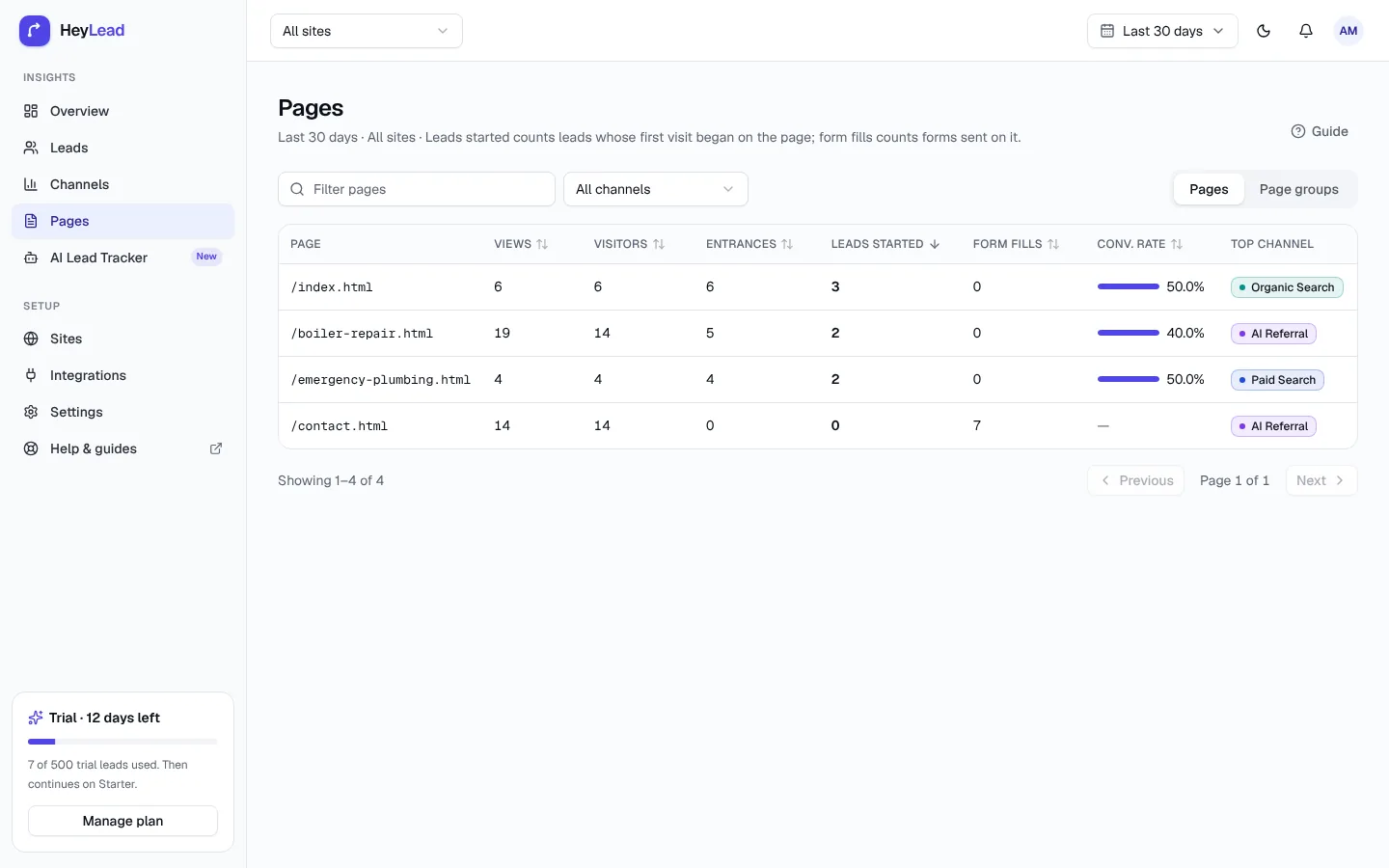
The landing page report shows which pages people arrive on and how many of them fill in a form. If your profile links to the homepage and the homepage converts poorly, try linking to a service or location page and compare the next month.
How do you get more leads from your Google Business Profile?
You get more leads from your Google Business Profile by making the listing complete, accurate and convincing, then checking whether your tracked leads go up. Once you can count profile leads, every change becomes a small test instead of a guess.
- Categories: choose the most specific primary category that fits your main service, such as Emergency plumber rather than Contractor, and add secondary categories for other real services
- Services: list every service you offer with a short description, in the words customers use
- Description: say what you do, where, and for whom in plain sentences; skip keyword lists
- Photos: add real photos of your work, vans, team and premises, and keep adding new ones
- Reviews: ask every happy customer for a review, send a direct link, and reply to every review, good or bad
- Questions and answers: answer common questions about prices, areas covered and parking where the profile offers it, before a stranger answers them for you
- Hours: keep regular, holiday and special hours current; a closed sign on a day you are open loses calls
- Service area: list the towns or postcodes you cover, if you visit customers
- Website link: point it at the most relevant tagged page, not always the homepage
- Posts: publish an update or offer when you have something real to say, with a tagged button
Make one or two changes at a time and note the date, or you will not know which change made the difference.
How do you track phone calls from your Google Business Profile?
You track phone calls from your Google Business Profile with Google's own call count in the Performance report, or with a call tracking number. HeyLead does not track phone calls; it records enquiries made through forms on your website. Call tracking is on the roadmap, so for now calls need one of the options below.
- Performance report: free and already there. It counts taps on the call button by month, but not whether the call connected or became a job
- Ask every caller: a simple "How did you find us?" logged in your job system or CRM. Low tech, but useful if the whole team does it
- Call tracking number: a separate number shown on the profile that forwards to your real line and logs each call. It tells you exactly which calls came from the listing
If you use a call tracking number, protect your NAP consistency. NAP stands for name, address and phone number, and local search relies on those details matching across your website and directories. The usual approach is to set the tracking number as the primary phone on the profile and add your real number as an additional phone, so Google can still connect the listing to your main number.
What is a 30-day plan for tracking Google Business Profile leads?
A 30-day plan for tracking Google Business Profile leads gets tagging and reporting in place in the first week, then spends the rest of the month collecting clean data and making one improvement. By day 30 you have a first honest number.
| When | What to do | Done when |
|---|---|---|
| Days 1–2 | Install a lead tracker on your site, for example with the tracking script guide, and send a test enquiry | The test lead shows its source and landing page |
| Days 3–4 | Tag the website, booking, post and product links on every profile using one naming scheme | Every profile link carries utm_source=gbp |
| Day 5 | Create the channel rule utm_source equals gbp and click your own link to test it | Your test visit shows as Google Business Profile |
| Days 6–7 | Note last month's Performance numbers as a baseline; set up call tracking or a "how did you find us" question | You have a baseline row in your monthly sheet |
| Days 8–20 | Work leads as they arrive and mark each one Qualified, Customer or Lost | Every profile lead has a status |
| Days 21–25 | Make one profile improvement, such as better photos or a new website link target | The change and its date are written down |
| Days 26–30 | Fill in the monthly sheet: Performance actions, tracked leads, customers and calls | You know how many customers the profile brought this month |
Common mistakes when tracking Google Business Profile leads
- Tagging only the website link: the booking, post and product links stay untagged and their leads still look like organic search
- Inconsistent names:
gbpon one profile andgoogle-mapson another split your reports in two - A loose channel rule: matching
contains googlecatches Google Ads and other links; useutm_source equals gbp - Using utm_medium=cpc: the profile is not paid, so a paid medium sends its visits to Paid Search
- Never checking the live link: Google can reject or revert an edit, so click your listing after every change
- Expecting Google and your tracker to match: website clicks and tracked visits are counted differently, so look at trends, not exact totals
- Counting calls as leads: a call tap may be a wrong number or a supplier; only count calls you can link to a real enquiry
- Changing the business phone number for call tracking: this can break NAP consistency; add the tracking number as primary and keep the real one as additional
- Mixing up Local Services Ads and the profile: they are separate products with separate reports
If profile leads still show as Direct in your CRM, the source is being lost between the form and the CRM. The guide on why your CRM says Direct covers the usual causes and fixes.
Key takeaways
- Profile clicks arrive from google.com, so they look like organic search unless you tag them
- Tag the website, booking, post and product links with
utm_source=gbpand a campaign per link type and location - A custom channel rule matching
utm_sourceequalsgbpgives the profile its own line in reports - Calls, directions and Google bookings live in the Performance report; combine them with tracked website leads monthly
- Judge the profile on customers and revenue, not clicks, and test one profile change at a time
- HeyLead does not track phone calls yet, so use Google's call count or a call tracking number with care for NAP consistency
Frequently asked questions
Will UTM tags on my Google Business Profile hurt my ranking?
Google hasn't said that UTM tags on a profile link affect local rankings, and they are widely used. Make sure the tagged page loads quickly and has a canonical tag pointing to the clean, untagged URL.
Can I see Google Business Profile leads in GA4?
Yes, as sessions with source gbp once the link is tagged. GA4 shows totals and conversions; a lead tracker shows which named enquiries came from the profile.
What should I use for utm_source on my profile?
Any short, consistent, lowercase value works. gbp is common and easy to match in a channel rule.
How long until the tagged link starts working?
Google usually reviews profile edits within minutes to a few days. Click the website button on your live listing to confirm the tags are there.
How do I track leads from several Google Business Profile locations?
Use the same utm_source and utm_medium on every profile and put the location in utm_campaign, such as listing-leeds. One channel rule then covers all locations, and the campaign report splits them.
Can I track phone calls from my Google Business Profile?
Google's Performance report counts taps on the call button. For call-by-call detail you need a call tracking number set as the primary phone, with your real number kept as an additional phone.
Why does Google show more website clicks than my tracker shows visits?
Ad blockers, people who leave before the page loads and different counting rules create a gap. A steady gap is normal; a sudden drop usually means the tags were removed.